Interconnect FoxIDs environments with Environment Link
Use Environment Link when one FoxIDs environment in a tenant should trust another FoxIDs environment in the same tenant to authenticate users. Environment Link is purpose-built for same-tenant environment-to-environment sign-in.
Compared to OpenID Connect, Environment Link is simpler to configure and uses a shorter integration flow. It is the preferred option when both environments are in the same tenant.

Environment Link is fast and secure, but it only works inside the same tenant. Use OpenID Connect between environments if you need to connect environments across different tenants or separate FoxIDs deployments.
Take a look at the sample environment links configuration in FoxIDs Control: https://control.foxids.com/test-corp
Sign in with the reader email address and password shown on the sign-in page, then, for example, inspect thenemloginandProductionenvironments.
Environment Link supports login, logout, and single logout. Like other authentication methods and application registrations, it also supports claims and claim transforms, logout session handling, and Home Realm Discovery (HRD).
Configure integration
The following steps connect two environments called Environment X and Environment Y. Environment X will trust Environment Y as an authentication method for user sign-in.
Select in the Environment X environment in FoxIDs Control Client
Select the Authentication tab
Click New authentication
Select Show advanced
Select Environment Link
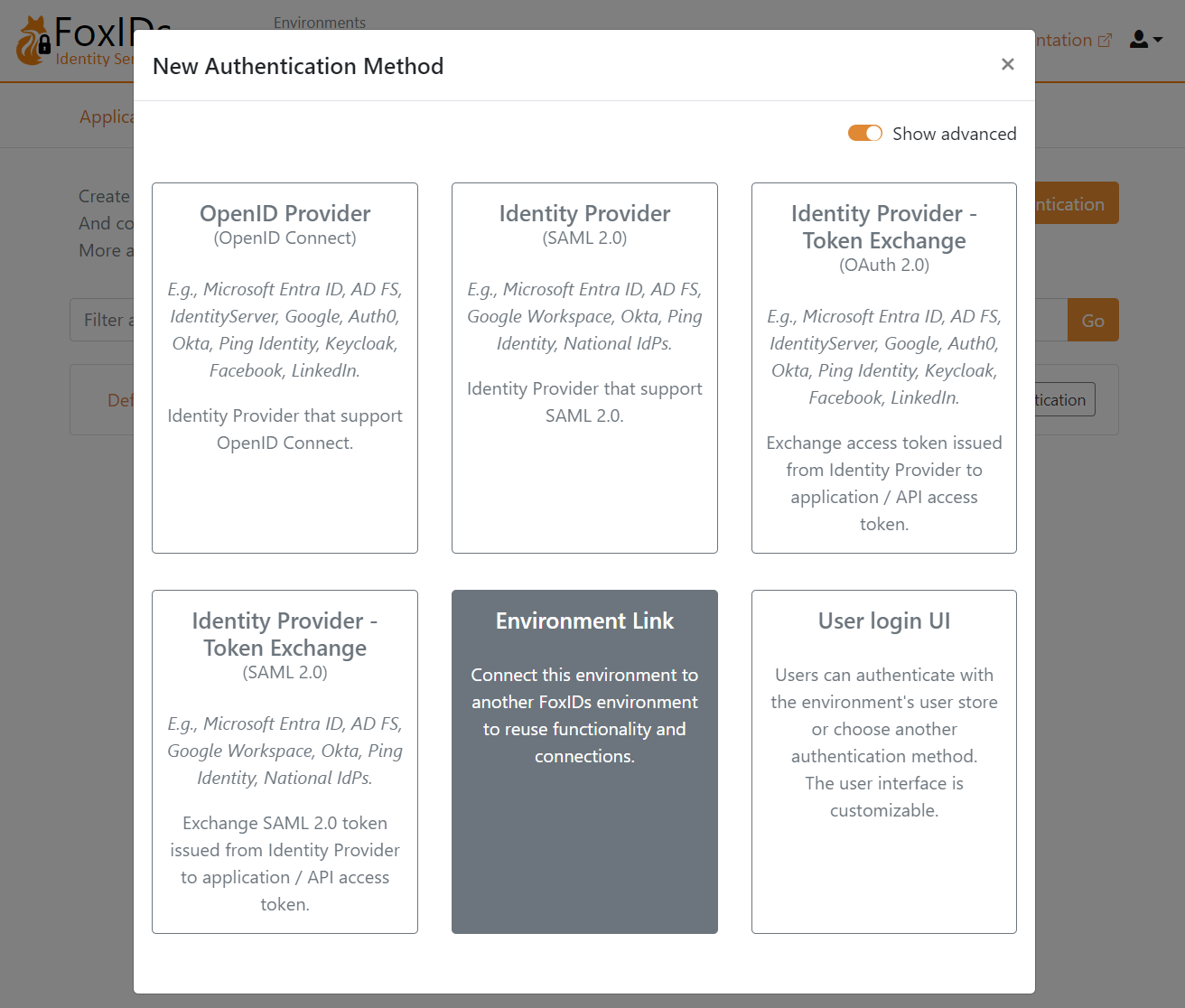
Add the Name e.g.,
Environment X to YSelect the
Environment Yenvironment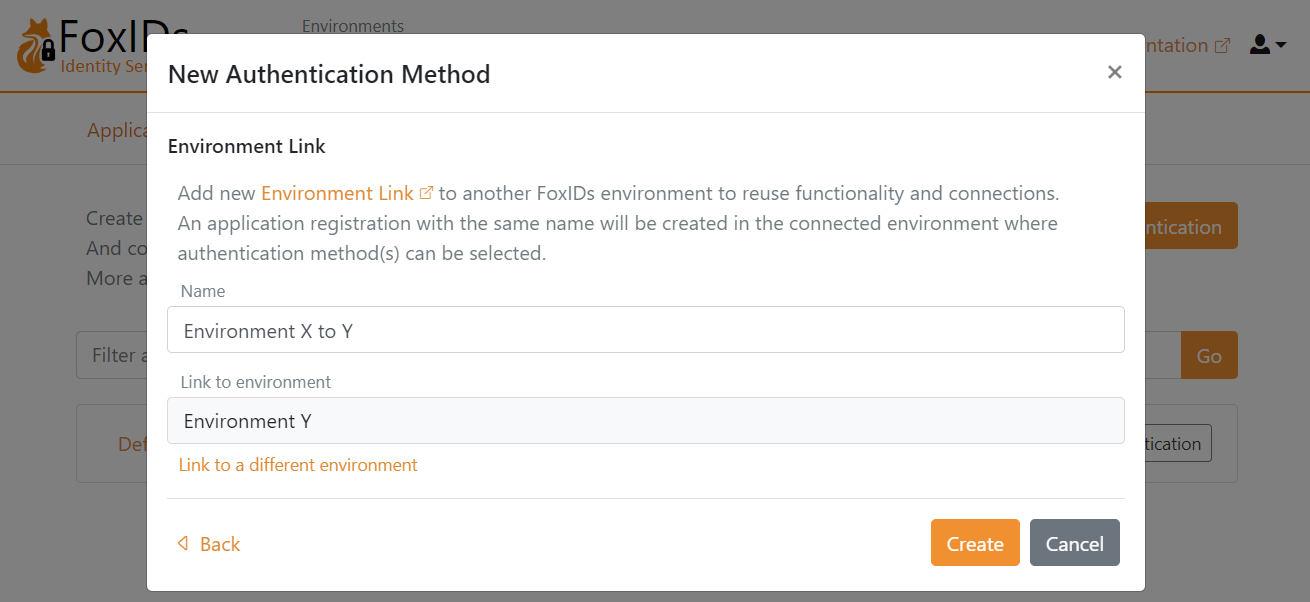
Click Create
That's it, you are done.
Your new authentication method Environment X to Y can now be selected as an allowed authentication method in the application registrations in your Environment X environment.
You can find the application registration Environment X to Y in the Environment Y environment, where one or more authentication methods can be selected.