Email provider
FoxIDs supports sending email with SMTP and SendGrid. Both can be configured as an email provider in each environment or generally in the FoxIDs site configuration. FoxIDs sends emails to the users for e.g., account verification and to set a new password.
Configure email provider in environment
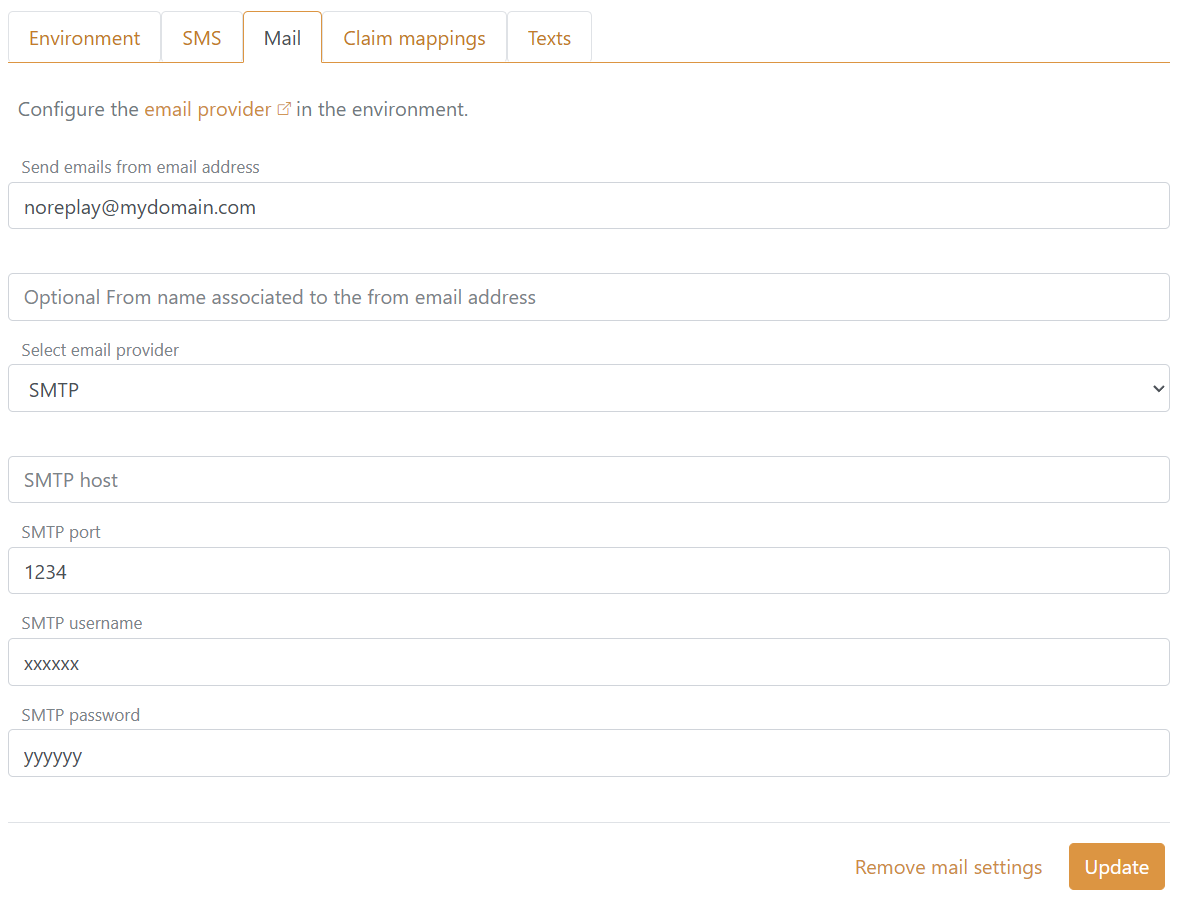
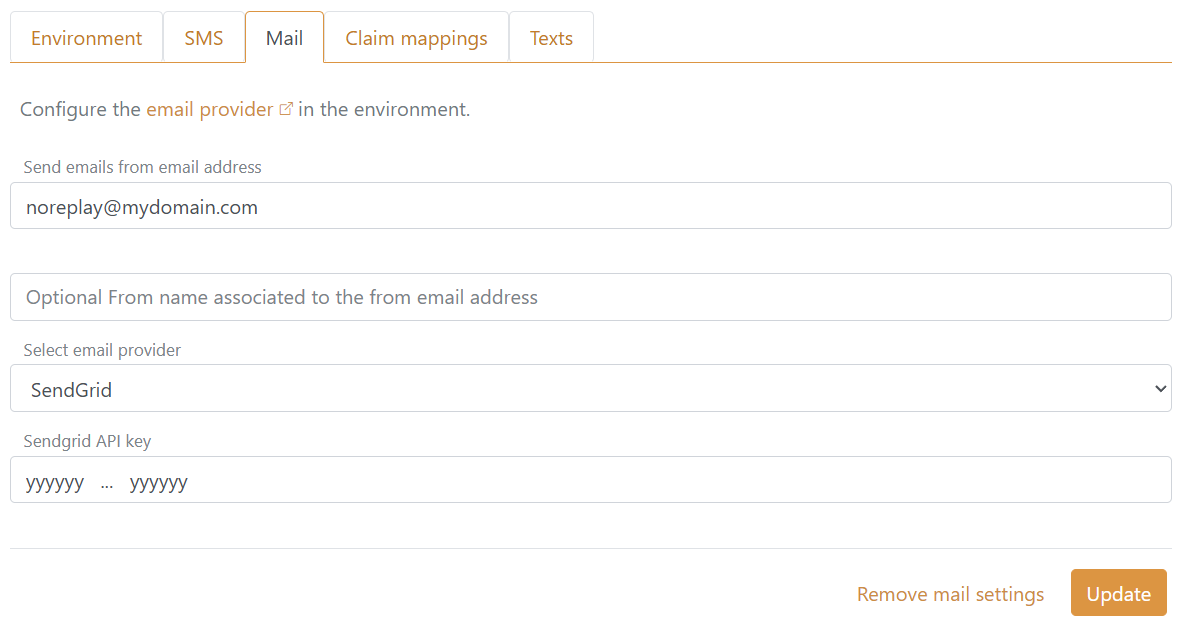
The email provider can be configured in each environment, where the from email address is required. If an email provider is configured in the environment, it is used instead of any general configured email provider.
Configuring SMTP:
Configuring SendGrid:
Configure email provider generally
The email provider can optionally be configured generally in the FoxIDs sites application settings. The from email address is required. If both an SMTP and SendGrid email provider is configured the SendGrid email provider is used.
Configuring SMTP with the application setting names:
Settings__Smtp:FromEmailSettings__Smtp:HostSettings__Smtp:PortSettings__Smtp:UsernameSettings__Smtp:Password
The SMTP connection is required to be SSL/TLS.
Configuring SendGrid with the application setting names:
Settings__Sendgrid:FromEmailSettings__Sendgrid:ApiKey