Tenant plans and usage billing
Plans support operators who run FoxIDs as a shared, multi-tenant identity cloud. A plan defines recurring pricing and included usage for a tenant; an external billing system can use the configuration and usage data to calculate charges and issue invoices. A single-organisation deployment normally does not need plans.
Plan definitions and tenant assignments are administered in the master environment of the platform master tenant.
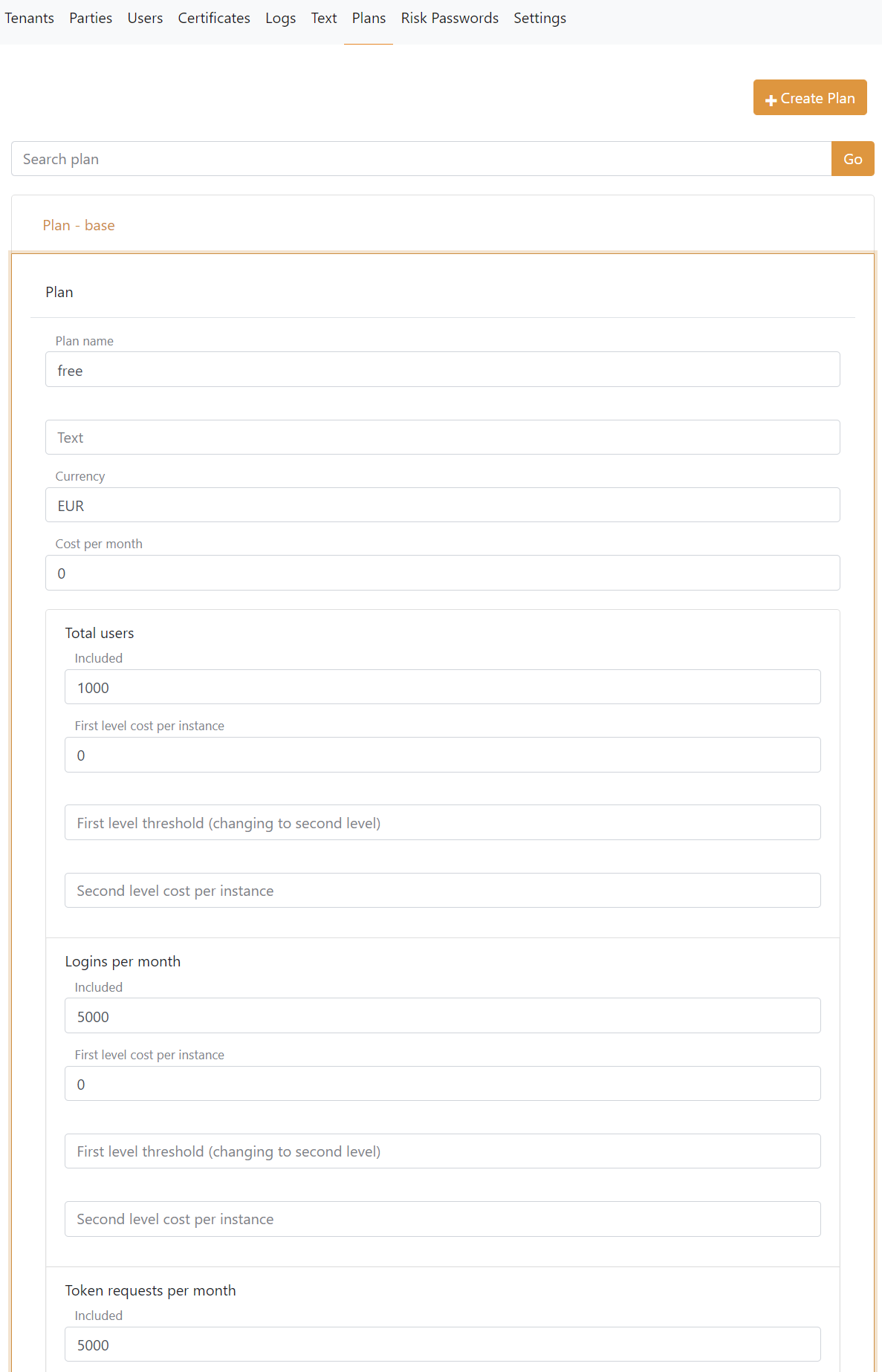
A plan is configured with:
- Plan name and a text
- Currency and cost per month
- Optional restriction that allows the plan to be assigned only from the master tenant
- Included usage in two levels for
- Users
- Logins per month
- Token requests per month
- Control API gets per month
- Control API updates per month
- Optional plan-specific Application Insights and Log Analytics workspaces
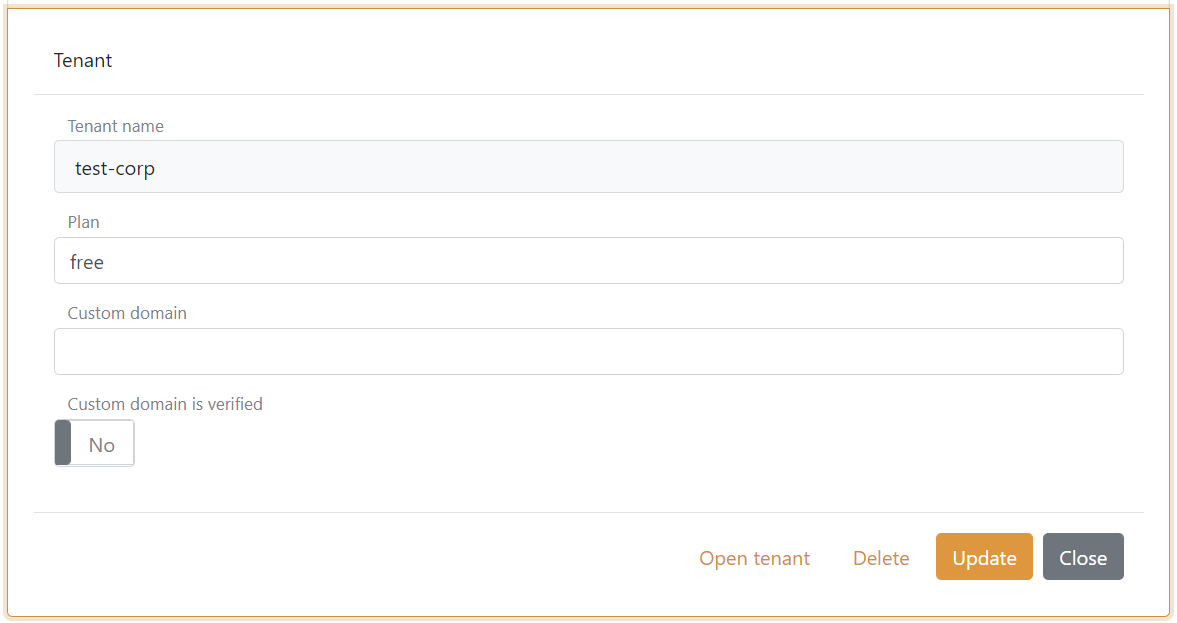
Tenants can optionally be connected to a plan. Administrators in the master tenant can assign or remove plans independently of whether payment handling is enabled. A plan restricted to master-tenant assignment is available to administrators in the master tenant but is omitted from plan lists returned to other tenants.
Tenant self-service plan changes are available only when payment and invoicing are configured. A tenant can retain its current plan or change to an available plan with the same or a higher monthly cost, but cannot select a restricted plan or change to a cheaper plan. When changing to a paid plan, both usage invoicing and automatic payment are enabled by default if neither is already enabled for the tenant. If either setting is already enabled, the existing combination is preserved.
Cost per instance
When creating or updating a plan, both First level cost per instance in EUR and Second level cost per instance in EUR are limited by the resource's Included amount:
| Included | Maximum cost per instance |
|---|---|
| Below 100 | EUR 10 |
| 100 to 999 | EUR 1 |
| 1000 or more | EUR 0.1 |
These limits apply to environments, authentication methods, users, logins, token requests, SMS and emails. Zero is allowed, and the second-level price can be left empty when no second pricing level is configured. A value above the maximum must be corrected before saving; it is not reduced automatically.
Plan limits
A positive Limited threshold sets a limit independently of the included quantity and the price of additional usage. Monthly login and token request limits apply across all environments in the tenant and restart each calendar month in UTC. Token requests include authorization-code, refresh-token, client-credentials, token-exchange and UserInfo requests. Environment Link forwarding does not consume an additional login.
The user limit counts internal and external users across the tenant's environments, with one included administrator. It applies when creating users through the Control API, bulk import, self-registration, directory connectors and external authentication methods. Updating an existing user does not require space for another user. Deleting a user frees space.
When a limit blocks an operation, the error reports the configured limit, current count and amount above the limit. Login and token request limit counters are separate from usage logs and invoicing, and increase while the corresponding limit applies.
FoxIDs Control Client displays a warning when the tenant exceeds a limit.
Reset monthly limits
In the master tenant, open Tenants and edit the customer's tenant. The Reset monthly plan limits section appears when the saved plan has a positive Limited threshold for logins or token requests and shows only those counters. Use Reset login counter or Reset token request counter to restore access for that operation. Each reset is audited and retains usage logs and billing history.